Making Life Better for people who work shifts
For over ten years we’ve been helping shift workers organise their lives.
Today we’re building something bigger – a place where shift workers and managers can find the tools, knowledge and support they need to make shift work better.
Making Life Better for people who work shifts

For over ten years we’ve been helping shift workers organise their lives.
Today we’re building something bigger – a place where shift workers and managers can find the tools, knowledge and support they need to make shift work better.
Supporting Shift Workers Since 2014
Built for shift workers. Trusted by managers.
Shift work is different, and the people who do it deserve better. That’s why we’ve spent more than ten years helping people plan their time, support their teams and make every shift a little easier.
From frontline workers to the managers creating the rota, we’re here to make shift work better for everyone. Helping you spend less time worrying about work, and more time living.
Trusted by over 400,000 shift workers across the UK’s essential industries.
Supporting Shift Workers Since 2014
Built for shift workers. Trusted by managers.
Shift work is different, and the people who do it deserve better. That’s why we’ve spent more than ten years helping people plan their time, support their teams and make every shift a little easier.
From frontline workers to the managers creating the rota, we’re here to make shift work better for everyone. Helping you spend less time worrying about work, and more time living.
Trusted by over 400,000 shift workers across the UK’s essential industries.
Built for the realities of shift work
Whether you’re planning your own rota or managing an entire workforce, MyShiftPlanner helps solve the everyday challenges of shift work.
Built for the realities of shift work
Whether you’re planning your own rota or managing an entire workforce, MyShiftPlanner helps solve the everyday challenges of shift work.


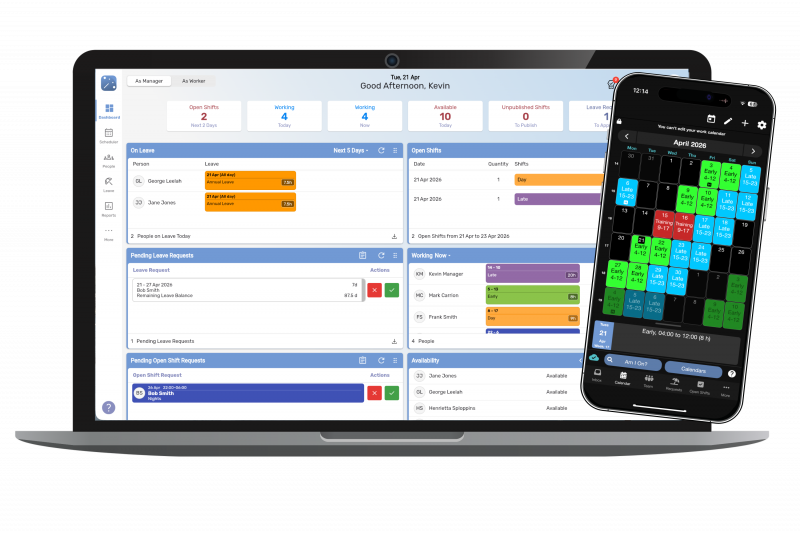


Why thousands of Shift Workers choose MyShiftPlanner
We’re not just another scheduling platform. Everything we build starts with one question: “Will this make life better for people who work shifts?”
That philosophy has shaped MyShiftPlanner since 2014.
Why thousands of Shift Workers choose MyShiftPlanner
We’re not just another scheduling platform. Everything we build starts with one question: “Will this make life better for people who work shifts?”
That philosophy has shaped MyShiftPlanner since 2014.
We understand shift work because we’ve lived it for over a decade
We don’t build for shift workers. We build with them.
Every feature, update and improvement is shaped by feedback from the people who rely on MyShiftPlanner every day. From nurses and paramedics to police officers, factory teams, retail staff, hospitality and aviation, we’ve spent years understanding the realities of life on shifts.
Supporting shift workers isn’t something we’ve recently discovered – it’s what we’ve been doing since day one.

We understand shift work because we’ve lived it for over a decade
We don’t build for shift workers. We build with them.
Every feature, update and improvement is shaped by feedback from the people who rely on MyShiftPlanner every day. From nurses and paramedics to police officers, factory teams, retail staff, hospitality and aviation, we’ve spent years understanding the realities of life on shifts.
Supporting shift workers isn’t something we’ve recently discovered – it’s what we’ve been doing since day one.

We help people organise life, not just work.
A shift pattern affects far more than your working day.
It affects family time, childcare, holidays, birthdays, appointments, wellbeing and the moments that matter most.
That’s why MyShiftPlanner is designed to help people see the bigger picture, making it easier to plan life with confidence.
Because a shift calendar should help you live, not just work.
We help people organise life, not just work.
A shift pattern affects far more than your working day.
It affects family time, childcare, holidays, birthdays, appointments, wellbeing and the moments that matter most.
That’s why MyShiftPlanner is designed to help people see the bigger picture, making it easier to plan life with confidence.
Because a shift calendar should help you live, not just work.
Better supported people build better teams
Managers are often shift workers too.
They know the pressures of filling gaps, handling last-minute changes and keeping everyone informed.
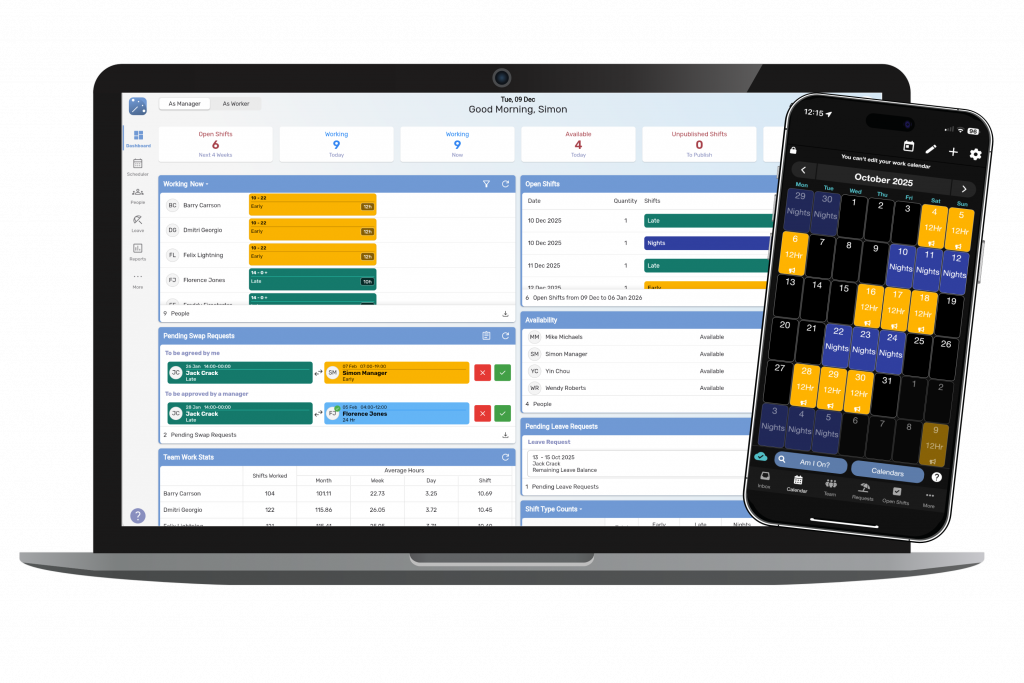
MyShiftPlanner TEAM helps reduce the admin, improve communication and create fairer, more effective rotas – giving managers more time to support their people.
When teams have clarity, everyone benefits.

Better supported people build better teams
Managers are often shift workers too.
They know the pressures of filling gaps, handling last-minute changes and keeping everyone informed.
MyShiftPlanner TEAM helps reduce the admin, improve communication and create fairer, more effective rotas – giving managers more time to support their people.
When teams have clarity, everyone benefits.

We’re building something bigger than software
Planning is only one part of a better shift-working life.
We’re bringing together planning, scheduling, wellbeing and trusted support to help people thrive in careers that don’t follow the 9-t0-5 routine.
We continue to grow, our mission remains the same:
To make life better for everyone who works shifts.
We’re building something bigger than software
Planning is only one part of a better shift-working life.
We’re bringing together planning, scheduling, wellbeing and trusted support to help people thrive in careers that don’t follow the 9-t0-5 routine.
We continue to grow, our mission remains the same:
To make life better for everyone who works shifts.

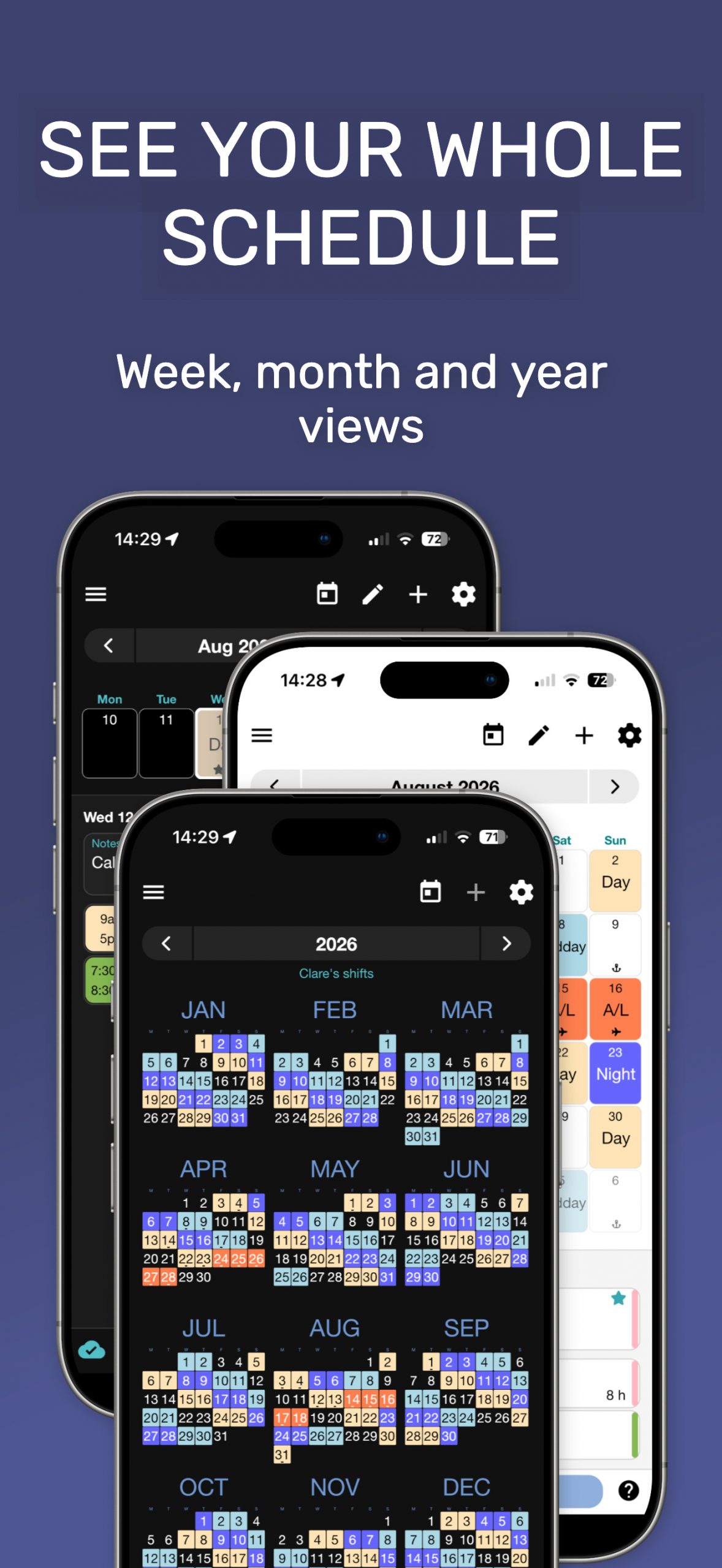
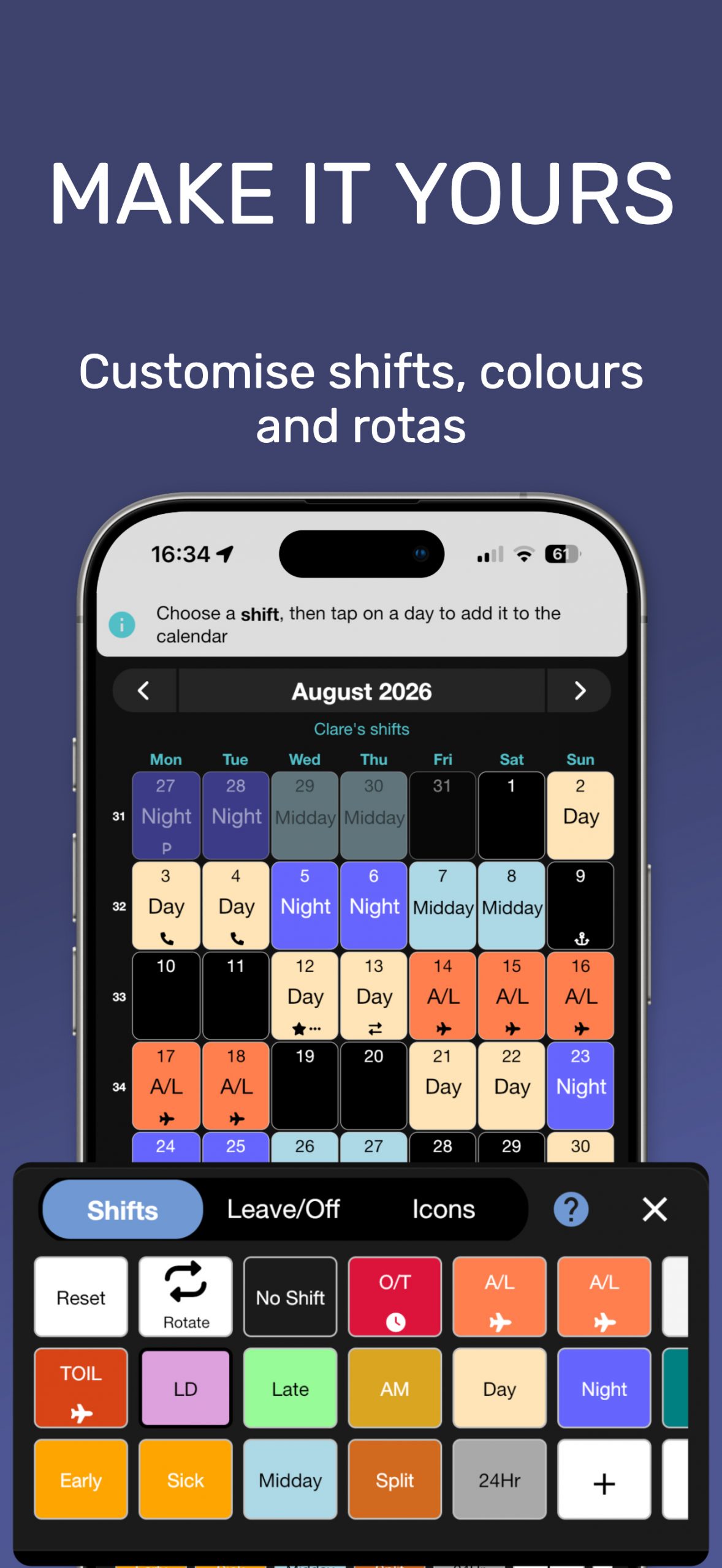
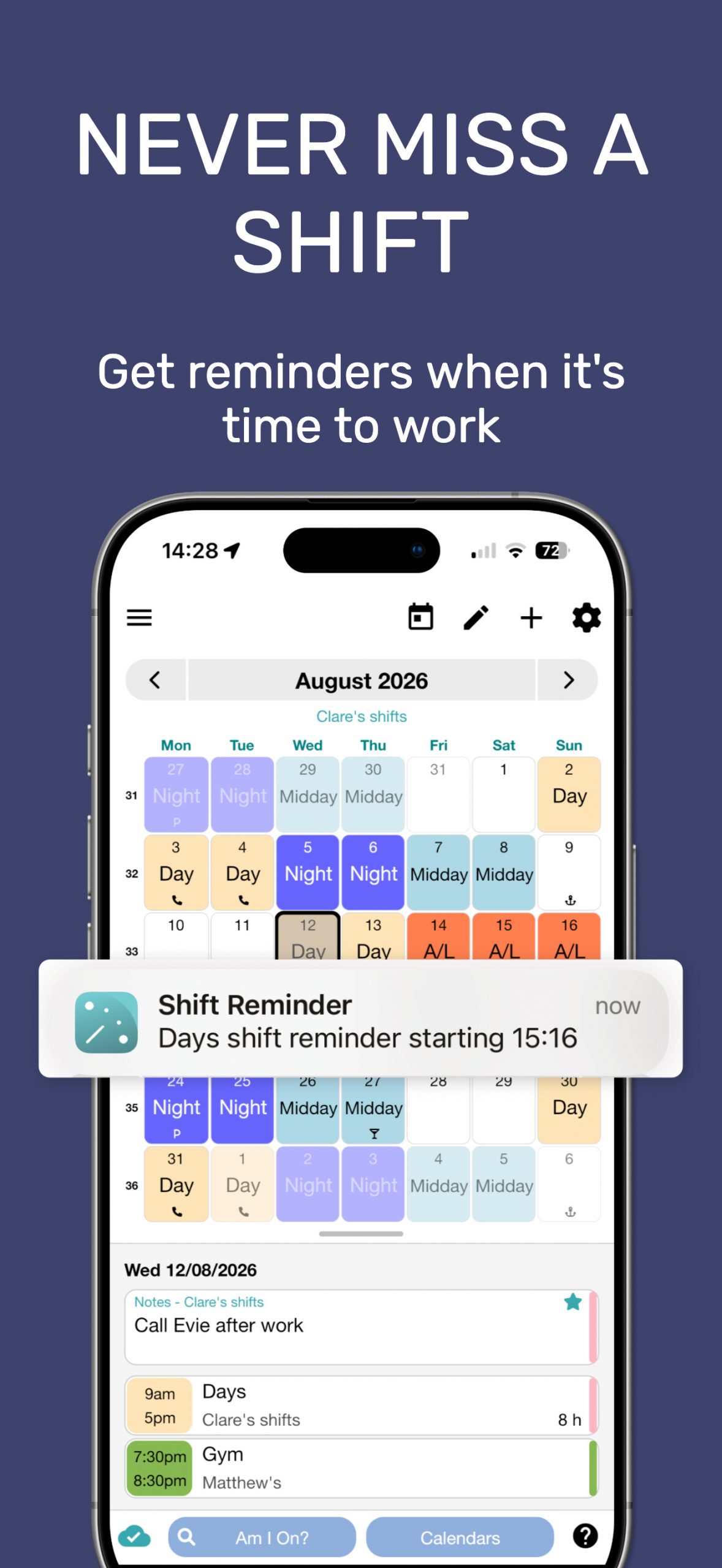
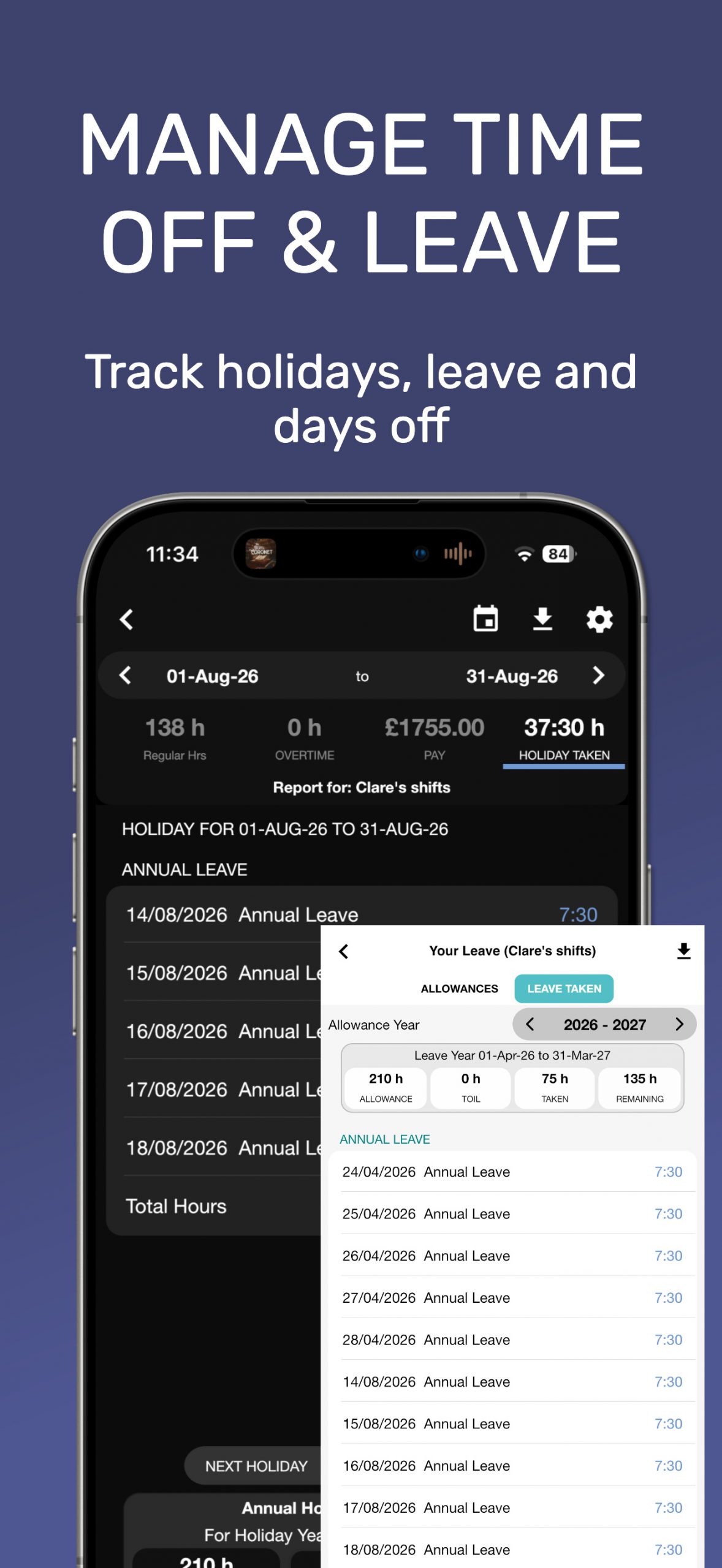
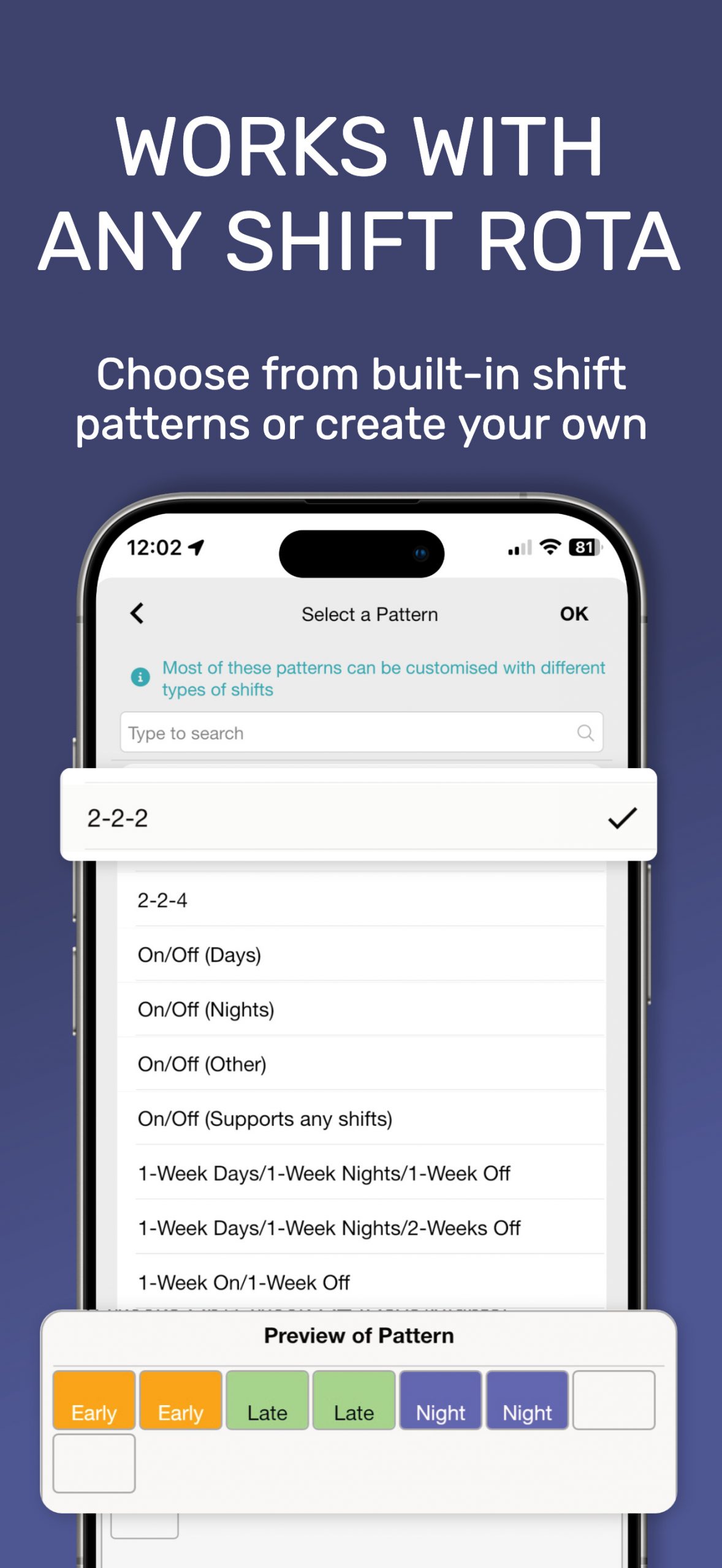
The Personal Calendar for Shift Workers
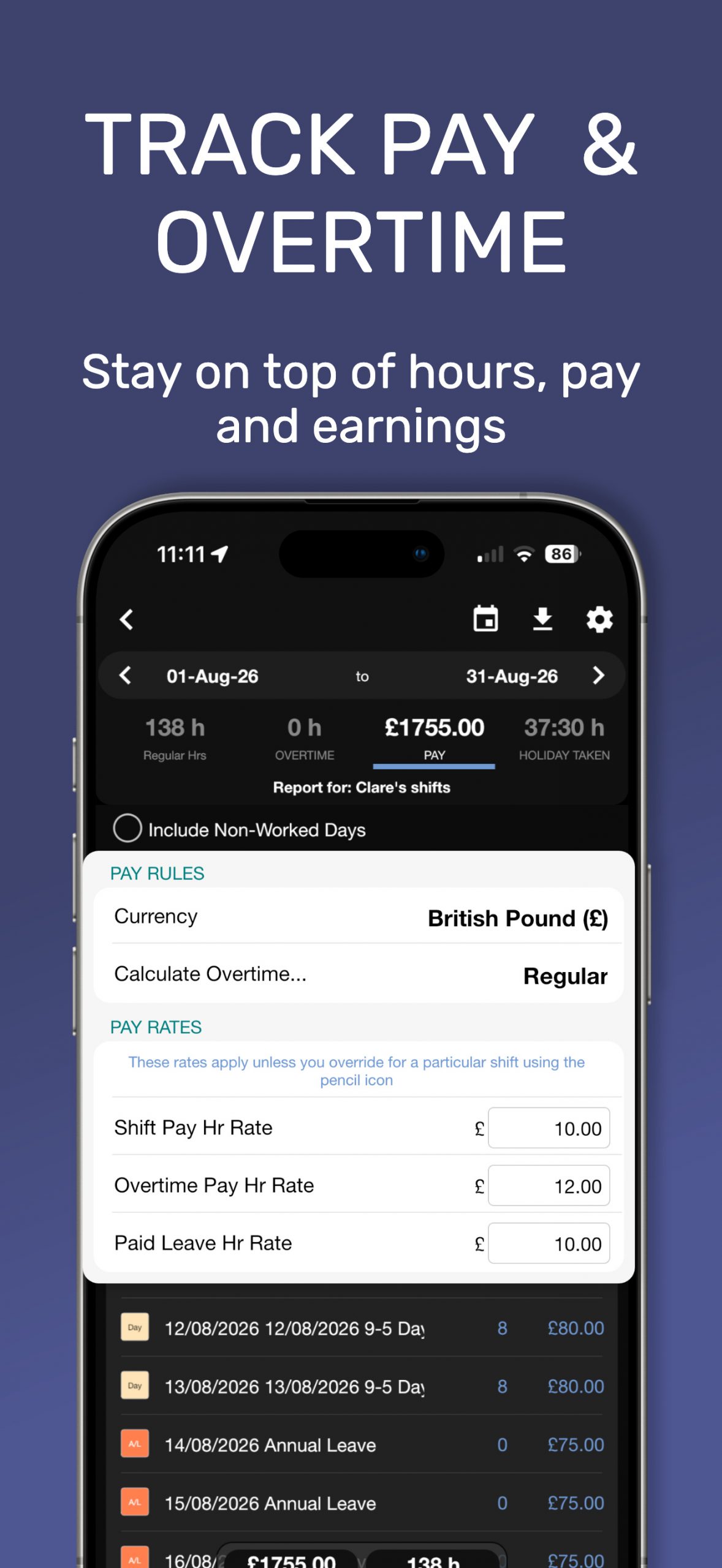
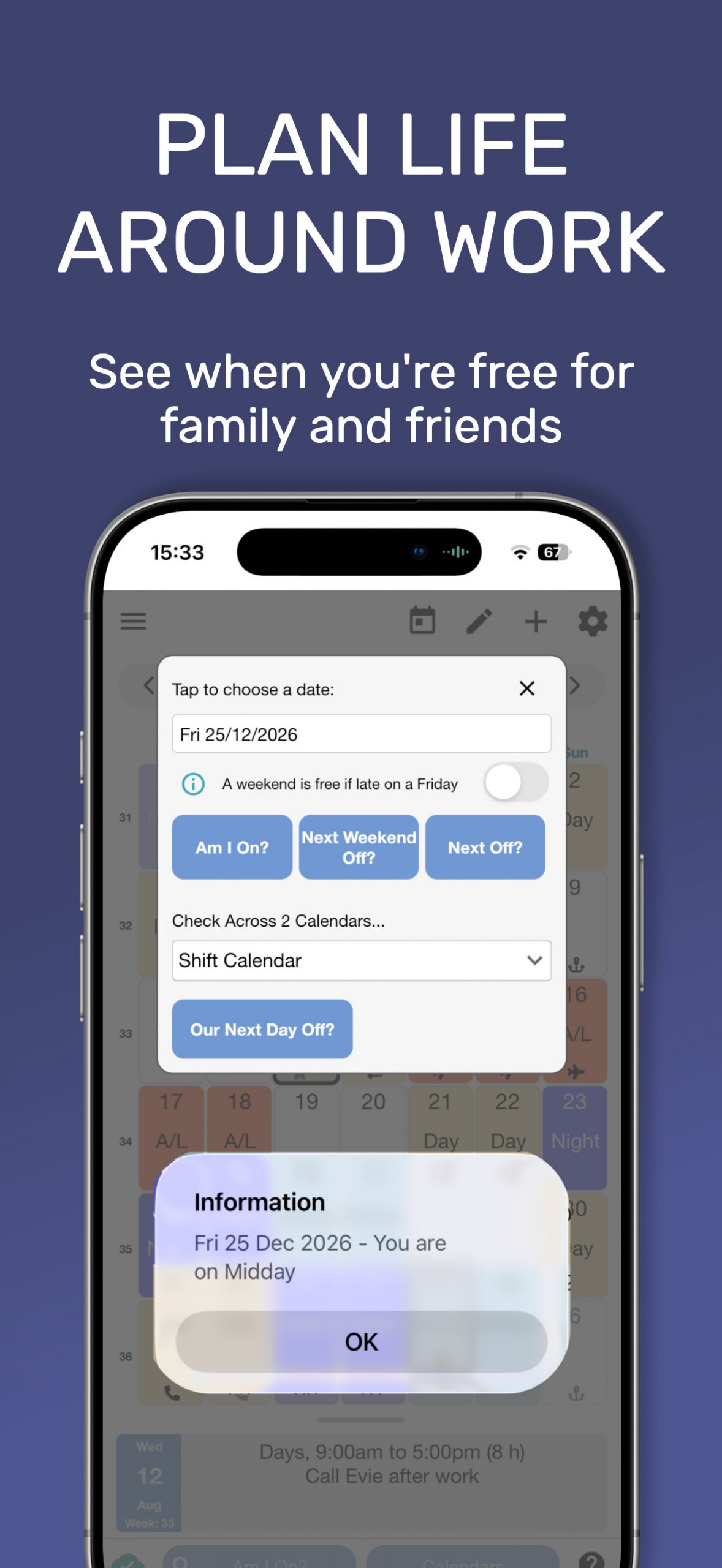
Manage your work rota and take back control of your time beyond the shifts.
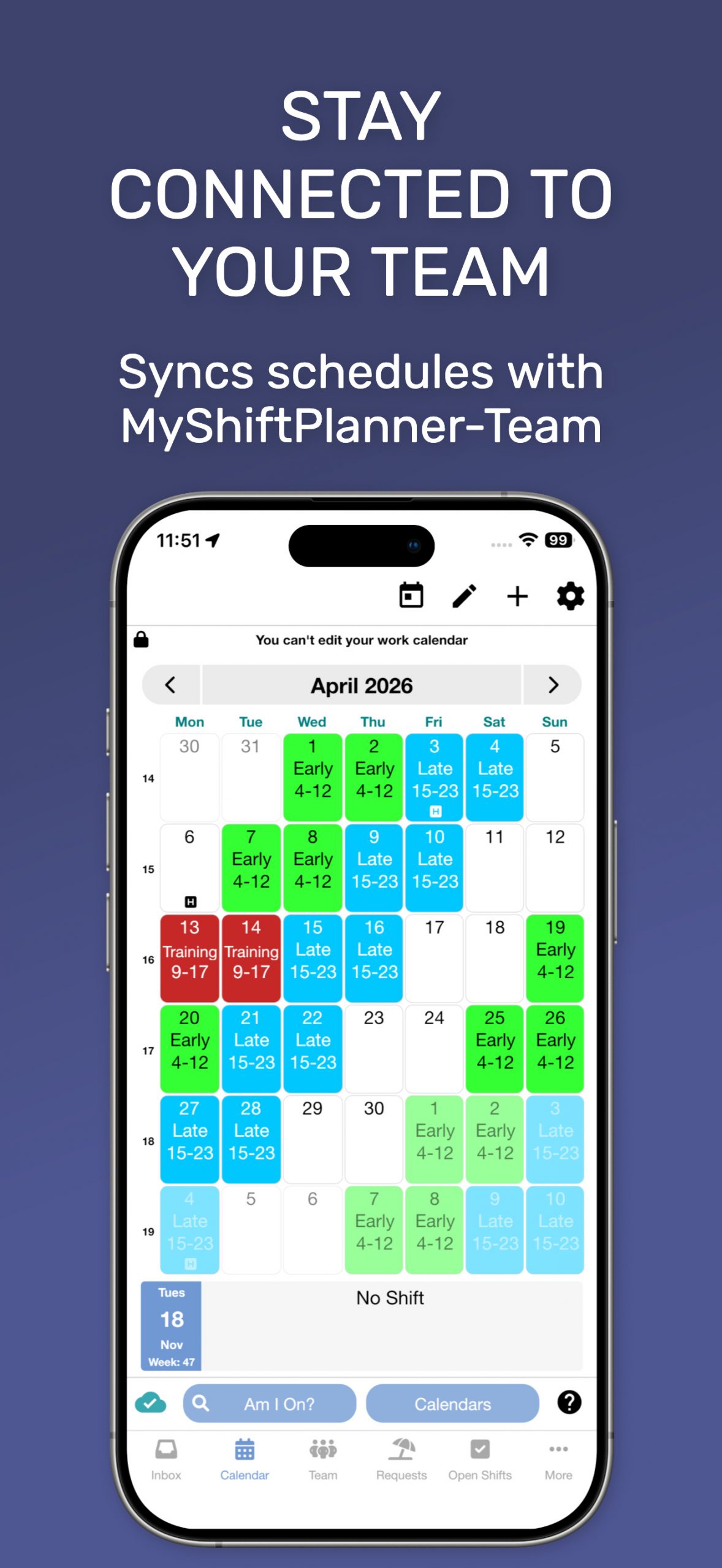



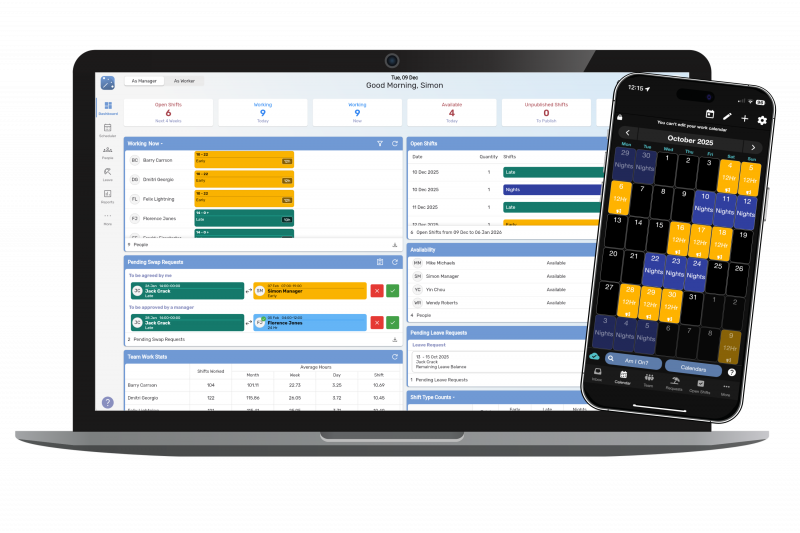
Connect Your Team
The MyShiftPlanner family of shift work solutions includes the ultimate scheduling app for shift managers. With MyShfitPlanner – Team, you can your rota, see when your colleagues are working, and stay aware of shift changes with updates sent straight to your phone from your supervisor
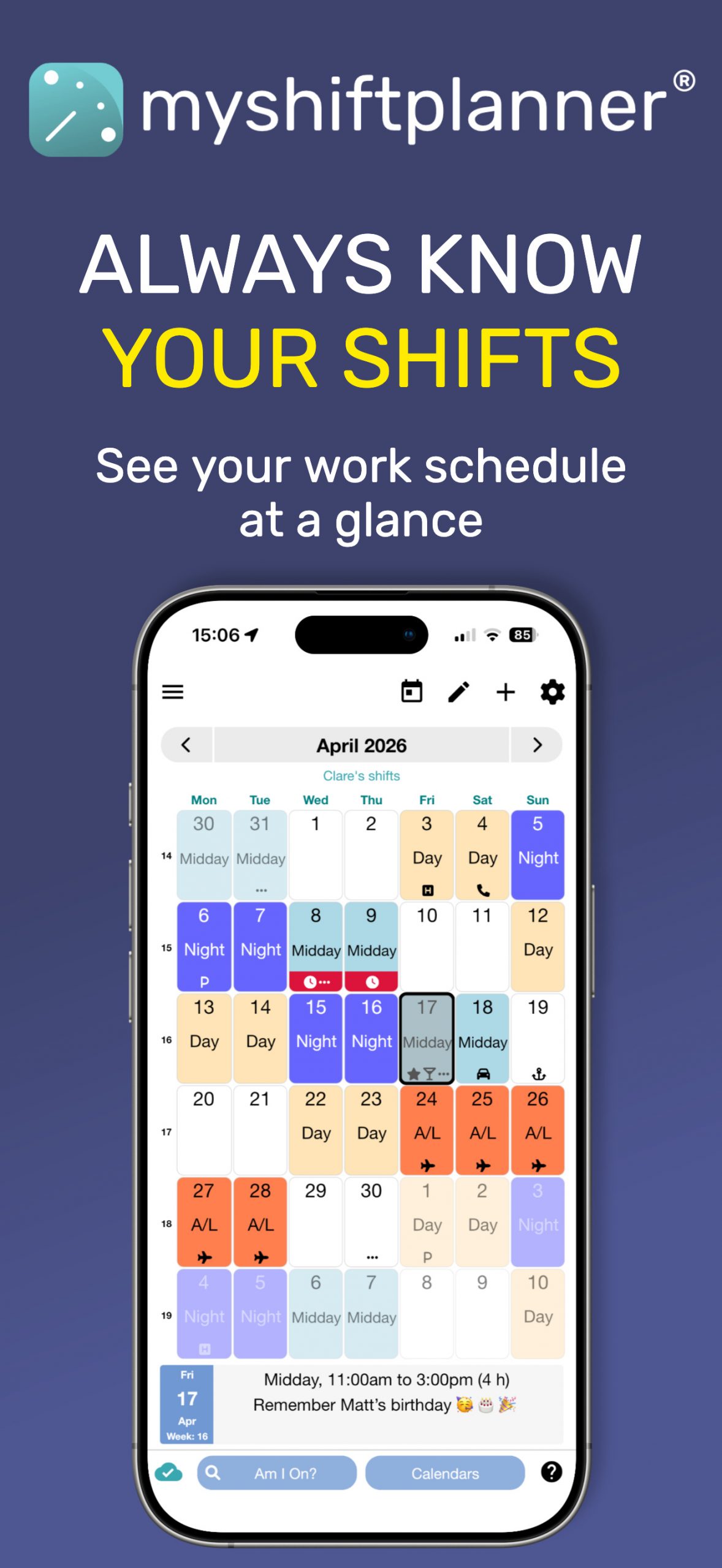
Your Shifts at Your Fingertips
With MyShiftPlanner you always have your rota to hand